Gmail TakeoutToolkit
Explore Your Gmail Archive — Completely Offline.
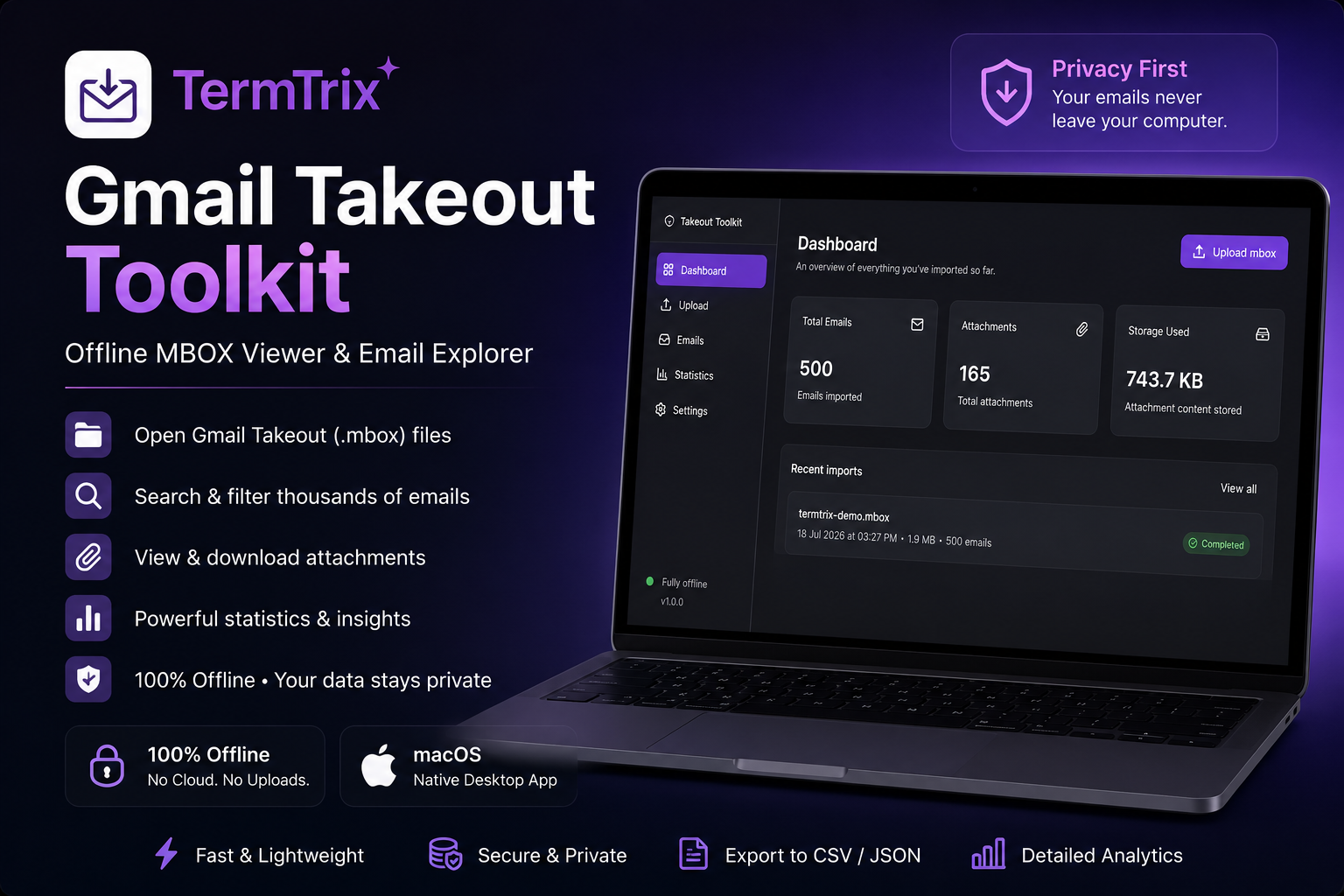
Open, search, and analyze Gmail Takeout (.mbox) files without uploading your emails to the cloud. Fast, private, and built exclusively for macOS.
Why Choose Gmail Takeout Toolkit?
The Challenge
Your Gmail archive deserves better
Google Takeout lets you export your Gmail data, but browsing thousands of archived emails isn't easy. You're left with a folder full of .mbox files and no straightforward way to search, analyze, or organize them.
Gmail Takeout Toolkit transforms your .mbox archive into a searchable, organized workspace. No Thunderbird setup. No cloud uploads. No complicated configuration.
Core Features
Everything you need to master your email archive
Import Gmail Takeout Files
- Drag and drop your Gmail Takeout .mbox file
- Import thousands of emails
- Fast parsing
- Multiple archives
Privacy First
- Your emails never leave your computer
- No account required
- No tracking
- No cloud uploads
Built for Performance
- Fast indexing
- Instant search
- Lightweight database
- Optimized memory usage
Quick Start
Get started in 3 simple steps
Export Gmail
Download your Gmail archive from Google Takeout.
Import
Drag your .mbox file into the toolkit.
Explore
Search, filter, and analyze instantly.
Use Cases
Built for professionals who value privacy
IT Professionals
Digital Archivists
Journalists
Researchers
Legal Teams
Business Owners
Gmail Power Users
Privacy Enthusiasts
Questions?
Frequently Asked Questions
Does the application upload my emails?
Does it require an internet connection?
Which file formats are supported?
Can I export my emails?
Is my data encrypted?
Does it work with large archives?
Which operating system is supported?
Your data. Your privacy. Your control.
Stop uploading your emails to the cloud. Download Gmail Takeout Toolkit and explore your archive with complete privacy and control.
Download for macOS